TomEE as code
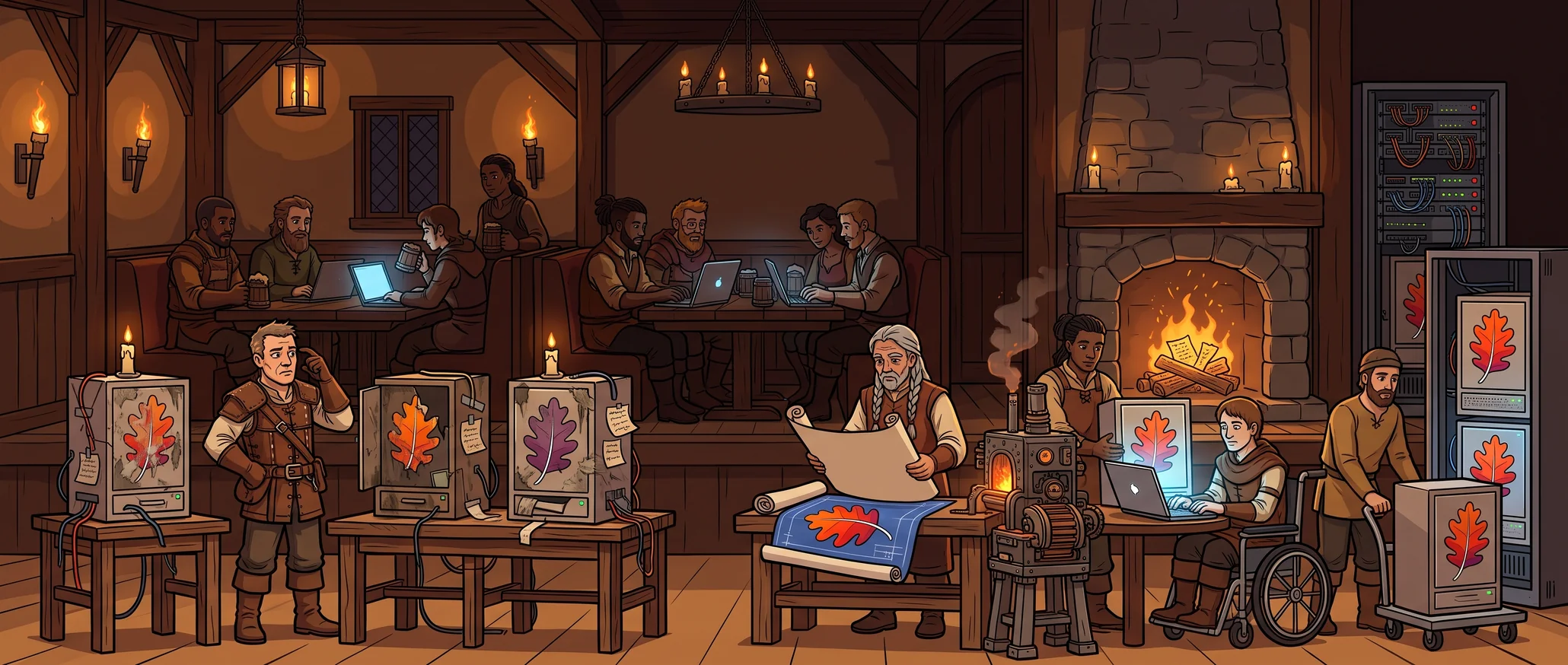
In many Java projects, the application server is the only part that someone still installs by hand, so each developer, the pipeline and production run a slightly different TomEE. TomEE as code moves the server’s description into the repository and lets the Maven build create the server. Every machine then runs the same server, built from the same commit, and nobody follows a setup guide.
This post explains the idea and its principles. The second part applies it in the IDE, and the third part takes it to a container and a cluster.
Servers that drift apart
A typical TomEE application has several servers. Each developer unzipped one at some point, the pipeline may have another for tests, and the production image downloads and patches its own copy.
These servers start out equal and then drift. A developer adds a JDBC driver to the local lib/. The Dockerfile asks for latest and gets a newer TomEE. Someone changes a setting on the test server and never changes it back. No reviewer sees any of these changes, and after a while nobody can say which server is correct.
Describe the server and let the build create it
Infrastructure as code solved this for machines and networks. A versioned description states what the infrastructure should be, and a tool builds it from that description.
The Maven project already describes how to build the WAR. It can also describe the server that runs it:
- the TomEE version and flavour,
- the libraries to add or remove,
- the few configuration files that differ from the standard distribution.
Values that change per environment, such as the database URL or a password, stay outside the description. The configuration files refer to them, and each environment supplies them.
The build downloads the declared TomEE, copies the project’s files over it, deploys the application and starts it. The server is a build output, like the WAR, and you can delete it at any time.
What “as code” means in this series
A server counts as code only if it passes these checks.
| Principle | What it means | How to check it |
|---|---|---|
| Declarative | The repository says what the server is, not the steps to set it up | There is no setup guide beyond one build command |
| Versioned and reviewable | Every change to the server is a diff that someone can review | A clean git status means the server is exactly what the repository says |
| Reproducible | A fresh checkout builds the same server | Delete the build output, build again, get the same result |
| No manual state | Nobody adjusts the server after it is built | You can delete the server at any time without losing anything |
| Single source | Each setting lives in exactly one place | Search for a value and you find it once |
| Same server everywhere | The IDE, the container and the cluster run the same description | There is no second server definition anywhere |
A setup that fails one check lets the drift return. Typical causes are a configuration file copied into a second folder, a file that Git tracks but .gitignore hides, and a Dockerfile that changes the server on its own.
Problems that go away
| Problem with a hand-installed server | With TomEE as code |
|---|---|
| A test passes for one developer and fails for another, because of a JAR someone added to their server years ago | Everyone who checks out the same commit gets the same server |
| A new developer follows a setup guide that went out of date | A new developer clones the repository, fills in a few local values and runs one command |
| A test run inherits an old deployment, leftover files or a changed log level from the previous run | The build creates the server again for each run |
| Several projects share one server, and one project’s library changes another’s behaviour | Each project builds its own server in its own build folder |
| Nobody upgrades TomEE, because nobody knows what was changed in the server | An upgrade is a diff that the team reviews, tests and can revert with one commit |
Limits and costs
- The server is only as reproducible as the TomEE Maven plugin across versions.
- You own every configuration file you override, and you must merge TomEE’s changes to it on each upgrade.
- The configuration of each environment stays out of the server description. It needs its own versioned home, the cluster’s manifests, or the drift moves there.
- One direct edit to a running server brings back manual state. The principles hold only while every change goes through the repository.
For one developer with one application that rarely changes, a hand-installed server may be enough. For a team, several environments or an application that will run for years, writing the description once costs less than rediscovering the server’s configuration every time something breaks.